
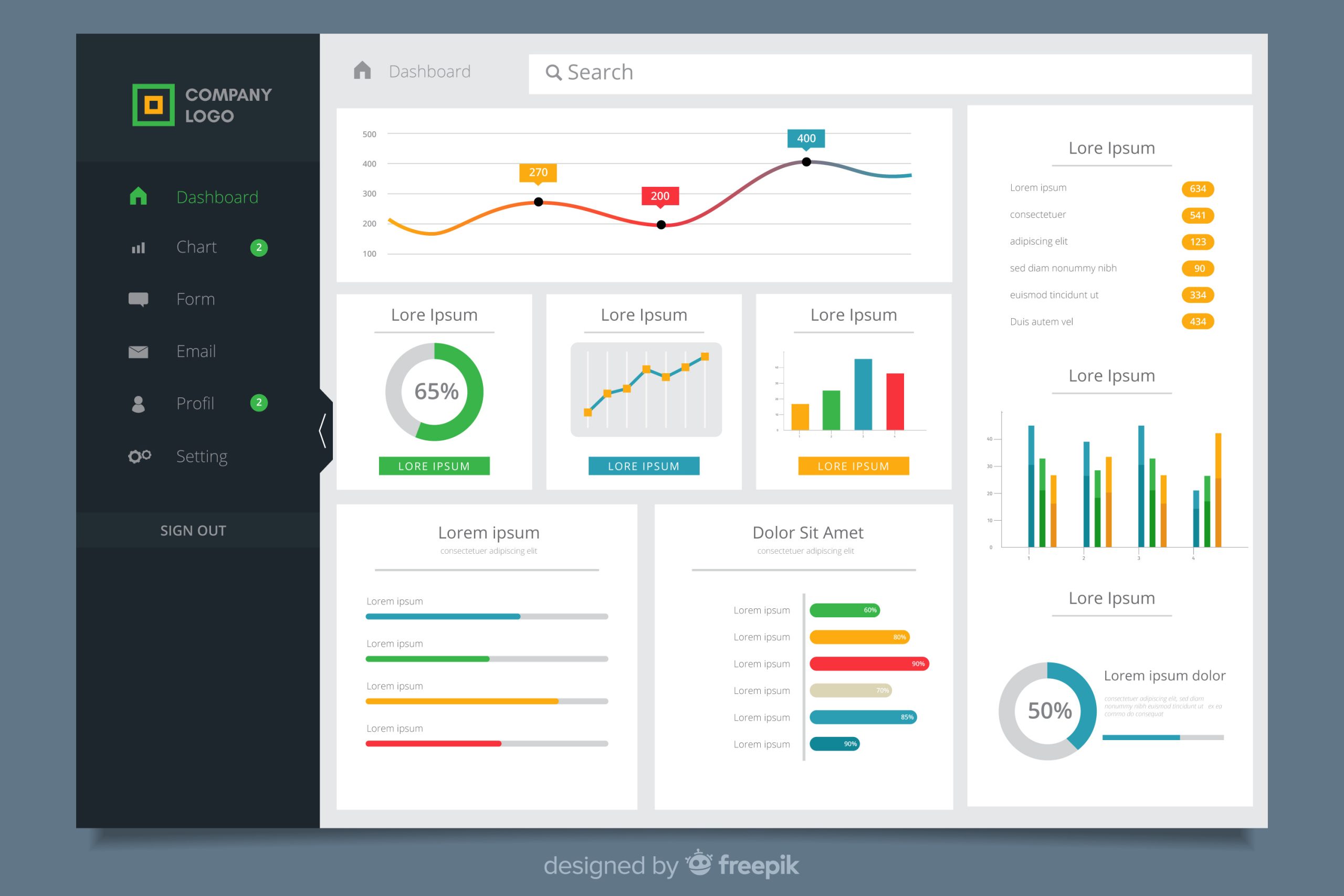

Building Dashboards that Drive Action: A Guide to Data Visualization
In the age of data abundance, simply collecting data is no longer a competitive advantage—knowing how to visualize it effectively is. Raw data without meaningful visualization is like a map without a compass. It may contain information, but it doesn’t provide direction.
Dashboards have become essential decision-making tools. But not all dashboards are created equal. A good dashboard doesn’t just display data—it tells a story, reveals insights, and enables timely action.
This guide explores the core principles of building dashboards that truly drive action and empower teams.
1. Start with the "Why" – Define the Purpose
Before building anything, ask:
-
What business question should this dashboard answer?
-
Who will use it, and how frequently?
-
What decisions will be made from it?
Whether it’s for executives, analysts, or operational teams, the dashboard must align with specific goals—be it tracking KPIs, identifying trends, or monitoring system health.
 Example: A sales dashboard should empower managers to quickly assess regional performance, pipeline status, and close rates—not just show monthly revenue.
2. Know Your Audience
Executives need high-level summaries. Analysts prefer granular details. Operational staff want real-time alerts. Tailor the dashboard based on the user’s technical expertise, decision-making authority, and time availability.
 Design Tip: Use tooltips, drill-downs, and filters for advanced users; use charts with summaries for time-constrained executives.
3. Choose the Right Visuals
Different types of data require different visuals. Misusing chart types can lead to misinterpretation.
-
Bar/Column Charts: Best for comparing categories
-
Line Charts: Ideal for trends over time
-
Pie/Donut Charts: Use sparingly, only for simple part-to-whole relationships
-
Maps: Great for geo-spatial data
-
Gauges/KPIs: Effective for quick performance snapshots
 Avoid cluttered dashboards. Visual simplicity enhances clarity.
4. Apply Visual Hierarchy
The most important metrics should be at the top or in prominent areas. Use consistent colors, spacing, and grouping to help users navigate the dashboard intuitively.
 Cognitive Design Principle: People process visuals from left to right, top to bottom—use this natural flow strategically.
5. Enable Interactivity
Interactive dashboards allow users to explore data dynamically:
-
Filters by date, location, product, etc.
-
Drill-down to lower data levels
-
Hover tooltips for context
 Pro Tip: Add thresholds and conditional formatting (like red/yellow/green indicators) to highlight anomalies and status.
6. Integrate Real-Time or Near Real-Time Data
For areas like sales, support tickets, logistics, or network monitoring, data must be updated regularly. Delayed data limits decision-making speed and accuracy.
 At FoaTech, we build dashboards with live data streams from multiple sources including databases, APIs, CRMs, ERPs, IoT devices, and more.
7. Test for Usability and Performance
Before deployment, ensure:
-
Fast loading times (optimize queries and data refresh)
-
Mobile responsiveness
-
Accessibility for different roles
 Dashboards must function as smoothly as they look. Glitches, lag, or ambiguity dilute trust and usability.
8. Tell a Story with the Data
A well-crafted dashboard helps the user see what’s happening and understand why. Good data storytelling involves:
-
Highlighting trends
-
Identifying outliers
-
Guiding the eye to conclusions
 Data without narrative leads to confusion. Design with insights in mind.
FoaTech Solutions: Experts in Smart Dashboard Development
At FoaTech Solutions, we don’t just build dashboards—we design data intelligence platforms that:
-
Combine multiple data sources into one powerful view
-
Use machine learning to drive predictions and alerts
-
Offer interactive dashboards tailored to roles and decisions
-
Integrate with business tools like Power BI, Tableau, Looker Studio, and custom web portals
Whether you are in healthcare, finance, education, HR, or logistics, we build dashboards that reveal the data that matters and help your team act on it with confidence.
We also train your staff to interpret, update, and use dashboards for daily operations, strategic planning, and performance tracking.
Empower Your Business with Visual Intelligence
Let your data speak clearly and powerfully. Whether you need a strategic KPI board, a real-time monitoring dashboard, or a predictive analytics panel—FoaTech Solutions has the tools, expertise, and creativity to make it happen.
 Contact us today to build dashboards that drive not just visibility—but action.